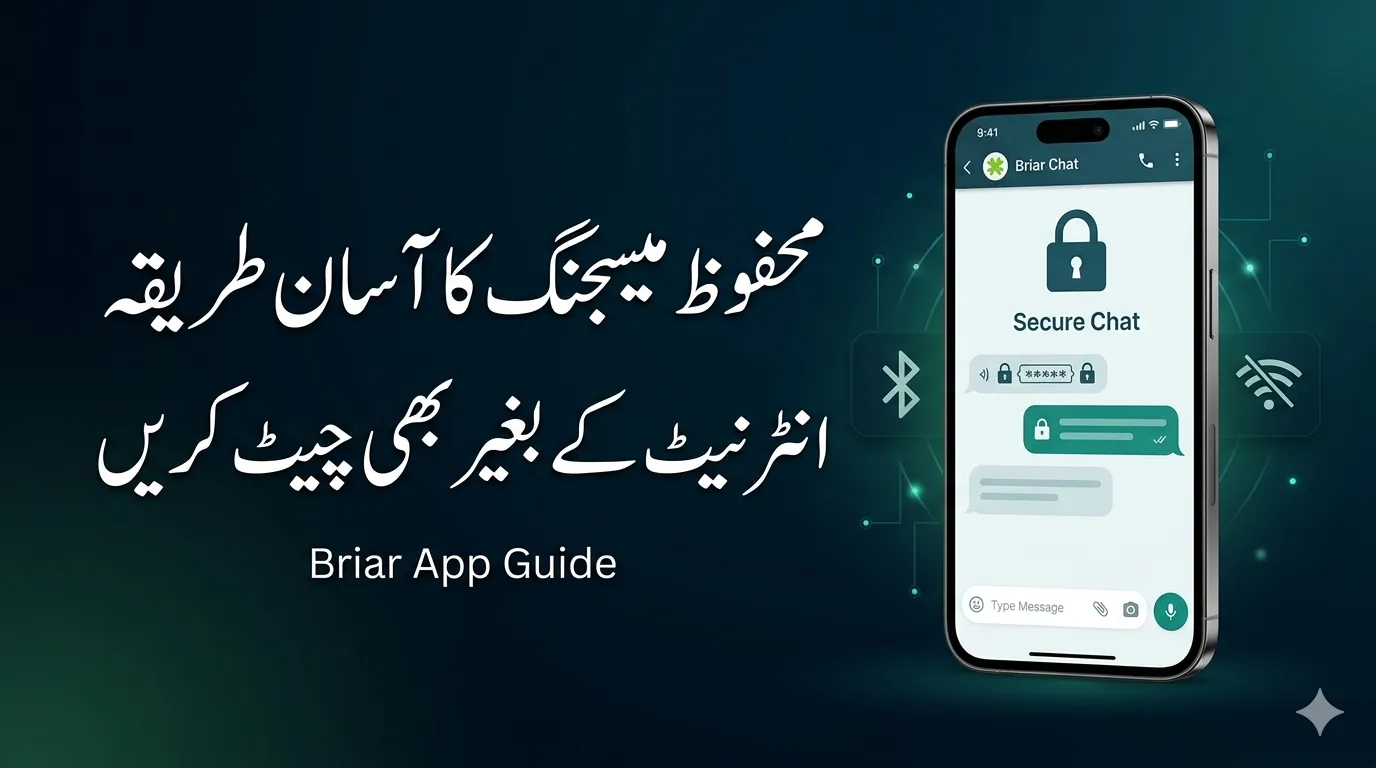
How to Use Briar App In a digital world where almost every app seems to track your activity, collect your data, and store your conversations on distant servers, finding true privacy feels like searching for a needle in a haystack. That’s exactly where Briar flips the entire concept of messaging on its head. Instead of relying on centralized servers like WhatsApp or Telegram, Briar connects users directly through their devices, making communication more secure and far less vulnerable to surveillance.
At its core, Briar is a peer-to-peer messaging application designed specifically for individuals who value privacy above convenience. It is widely used by journalists, activists, and people operating in environments where communication is monitored or restricted. Unlike mainstream apps, Briar doesn’t need your phone number, email address, or any personal information to get started. Everything stays on your device, giving you complete ownership of your data.
According to recent app listings, Briar has surpassed 1 million downloads and continues to evolve, with its latest version released in March 2026, showing active development and improvements.
Read Also: How to Purchase Iran Currency Online in Pakistan (2026 Updated Guide)
Briar App 2026
Briar was built with a clear purpose: to enable secure, censorship-resistant communication. It’s not just another chat app—it’s a tool designed for situations where traditional communication fails or becomes dangerous. Whether it’s internet shutdowns, government surveillance, or natural disasters, Briar aims to keep people connected without compromising their safety.
Why Briar Is Different from Traditional Messaging Apps
Most messaging apps rely on cloud servers. These servers can be hacked, blocked, or monitored. Briar eliminates that risk entirely by removing the middleman. Messages go directly from one device to another, meaning there’s no central point of failure or control.
How Briar Works
Understanding how Briar works is like understanding how a secret tunnel operates compared to a busy highway. Instead of sending messages through crowded, monitored networks, Briar creates a private path between users.
Peer-to-Peer Technology Explained
Briar uses peer-to-peer (P2P) communication, which means your messages travel directly between devices instead of passing through servers. This eliminates risks like data leaks, server hacks, or government surveillance.
Imagine handing a note directly to a friend instead of sending it through a post office where anyone could intercept it. That’s essentially how Briar works—direct, secure, and private.
Read Also: 10 Mobile Security Mistakes That Could Put Your Data at Risk (Fix Them Now)
Role of Tor Network in Briar
When internet access is available, Briar uses the Tor network, which adds multiple layers of anonymity. Tor hides both your identity and your communication patterns, making it extremely difficult for anyone to track who you’re talking to.
Even your internet provider won’t know you’re using Briar—they’ll only see encrypted traffic going through Tor. This makes Briar one of the most privacy-focused messaging tools available today.
Key Features of Briar
Briar isn’t just about messaging—it’s about redefining how communication should work in a privacy-first world.
Read Also: Meezan Bank Bike Installment Plan 2026 Easy Halal Way to Own a Bike in Pakistan
Offline Messaging Capability
One of Briar’s most powerful features is its ability to work without internet access. It can sync messages via Bluetooth or local Wi-Fi when users are nearby.
This makes it incredibly useful during:
- Internet shutdowns
- Natural disasters
- Remote areas with no connectivity
It’s like having a messaging system that doesn’t rely on infrastructure—perfect for emergencies.
End-to-End Encryption
Every message sent through Briar is protected with end-to-end encryption, meaning only the sender and receiver can read it. Even if someone intercepts the data, it will be unreadable.
Anonymous Usage Without Personal Data
Unlike most apps, Briar doesn’t ask for:
- Phone numbers
- Emails
- Personal details
This ensures complete anonymity, making it ideal for users who want to stay off the grid.
How to Install Briar
Getting started with Briar is surprisingly simple, even though the app itself is built on complex technology.
Downloading the App
You can install Briar from:
- Google Play Store
- F-Droid (recommended for privacy-focused users)
The app requires Android 5.0 or higher and takes about 48 MB of storage.
Creating a Secure Account
Once installed:
- Open the app
- Choose a username
- Set a strong password
Your account is stored only on your device—there’s no cloud backup. This means if you lose your phone, your data is gone forever. While this might sound inconvenient, it’s actually a major security advantage.
Adding Contacts in Briar
Unlike traditional apps that sync your contacts automatically, Briar takes a more secure approach.
QR Code Method
This is the most secure way:
- Tap “Add Contact”
- Select “Nearby”
- Scan each other’s QR codes
This ensures that you’re connecting with the right person directly.
Adding Contacts via Link
You can also:
- Share a Briar link
- Receive contact requests
While slightly less secure than QR codes, it’s still encrypted and safe.
Sending Messages and Communication
Once your contacts are added, using Briar feels surprisingly familiar.
Read Also: Check Your LESCO Bill Online 2026 Using the New 14-Digit Reference Number (Fully Working Method)
How Messaging Works in Briar
Simply:
- Open a chat
- Type your message
- Hit send
Messages are delivered directly without passing through any server. It’s like having a private line that no one else can tap into.
Group Chats, Forums, and Blogs
Briar goes beyond basic messaging by offering:
- Private chats
- Group discussions (forums)
- Broadcast blogs
These features allow users to collaborate, share updates, and communicate in larger groups securely.
When Should You Use Briar?
Briar shines in situations where privacy isn’t just important—it’s essential.
You should consider using Briar when:
- You’re in a region with internet censorship
- You need secure communication for sensitive work
- You want complete control over your data
For example, journalists working in restricted environments often rely on Briar to communicate safely without exposing their sources.
Security Tips for Using Briar Safely
Even the most secure app needs responsible usage.
- Use a strong phone lock (PIN or biometric)
- Always verify contacts before adding them
- Keep the app updated for security patches
- Avoid sharing your device
These simple steps can significantly enhance your privacy and security.
Advantages and Limitations of Briar
Let’s break it down clearly:
| Advantages | Limitations |
|---|---|
| No central servers | Android only |
| Works offline | Smaller user base |
| No personal data required | Requires proximity or sync timing |
| Strong encryption | No cloud backup |
Briar trades convenience for security—and that’s a conscious design choice.
Briar vs Other Messaging Apps
Here’s how Briar compares with popular apps:
| Feature | Briar | Telegram | |
|---|---|---|---|
| Central Server | No | Yes | Yes |
| Offline Messaging | Yes | No | No |
| End-to-End Encryption | Yes | Yes | Optional |
| Anonymous Use | Yes | No | Partial |
| Data Tracking | None | Yes | Some |
Briar clearly stands out as the most privacy-focused option.
Conclusion
If privacy were a fortress, Briar would be its strongest wall. It doesn’t just protect your messages—it redefines how communication should work in a world filled with surveillance and data tracking. By removing central servers, enabling offline communication, and offering complete anonymity, Briar gives users something rare: true control.
Yes, it requires a bit more effort compared to mainstream apps. You won’t get flashy features or instant contact syncing. But what you gain in return is something far more valuable—security, independence, and peace of mind.
Once you learn how to use Briar, it becomes more than just an app. It becomes a reliable tool you can count on, no matter the situation.
Read Also: Benazir Income Support Programme Latest Payment Status Check Online
FAQs
1. Is Briar completely free to use?
Yes, Briar is 100% free and open-source with no ads or hidden charges.
2. Can Briar work without internet?
Absolutely. It can sync messages via Bluetooth or Wi-Fi when devices are nearby.
3. Is Briar available on iPhone?
No, currently Briar is only available on Android due to technical limitations.
4. What happens if I lose my phone?
All your data is stored locally, so losing your phone means losing your messages and contacts.
5. Is Briar better than WhatsApp for privacy?
Yes, Briar offers stronger privacy because it has no central servers and collects no personal data.