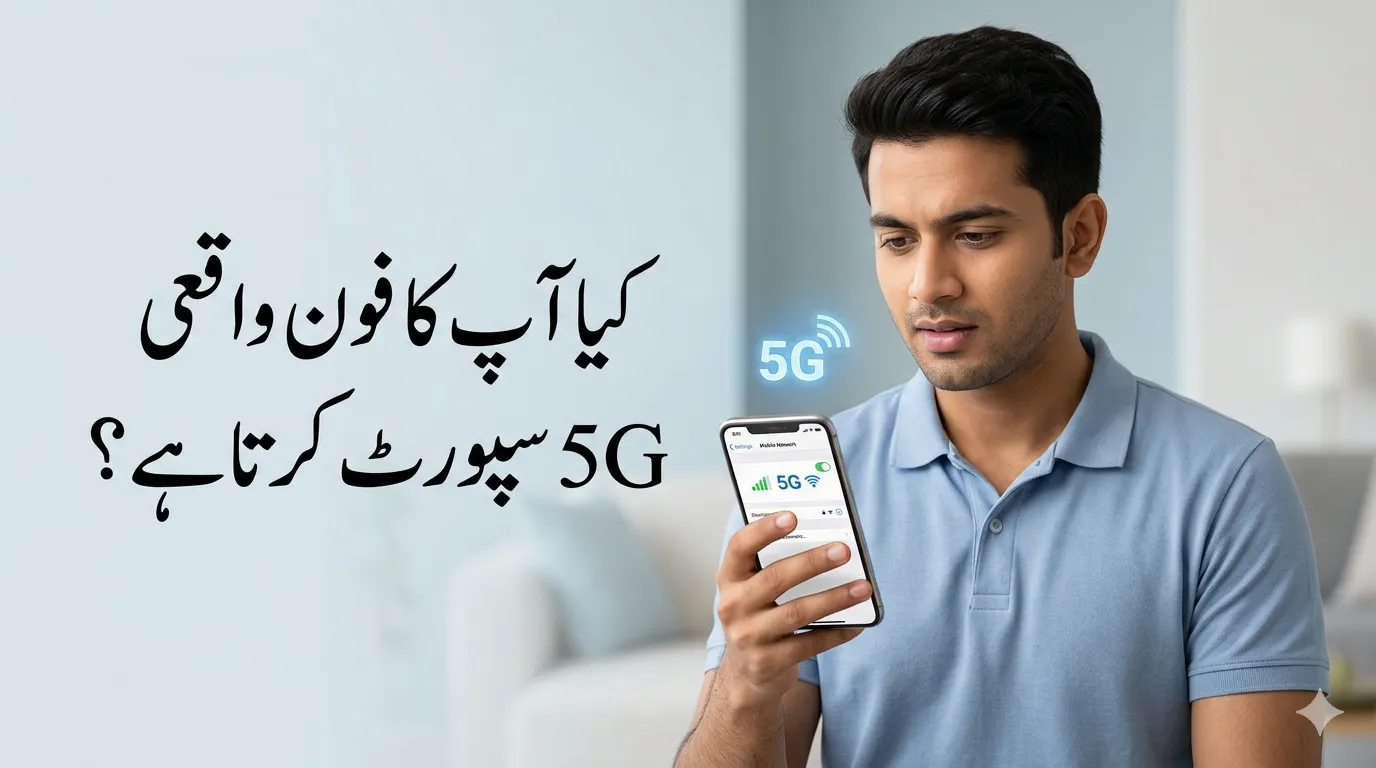
How to Check if My Phone When people hear “5G,” they usually imagine lightning-fast downloads and buffer-free streaming—and honestly, that’s not wrong. But here’s the catch: just owning a modern smartphone doesn’t automatically mean you’re ready for 5G. There’s a lot going on behind the scenes that determines whether your phone can actually connect to a 5G network.
First, your device needs a 5G-compatible modem, which is the hardware responsible for connecting your phone to mobile networks. Without it, even the latest software updates won’t magically enable 5G. Think of it like trying to drive a car without an engine—it just won’t move, no matter how fancy the exterior looks.
Second, your phone must support the right 5G frequency bands. Not all 5G networks are the same. Different countries—and even different carriers—use different frequency bands, meaning your phone must be compatible with your local provider. Finally, your device needs updated software that supports 5G settings and network switching.
So, in simple terms, a phone supports 5G only if it checks all three boxes: hardware, software, and network compatibility. Miss one, and you’re stuck on 4G—even if your phone is brand new.
Read Also: Upload an Image to a Reverse Image Search Tool
Why Checking 5G Compatibility Matters Today
You might be wondering: “Is checking 5G really that important?” The short answer—yes, more than ever.
Pakistan officially stepped into the 5G era in 2026, with telecom companies rapidly expanding their networks across major cities. In fact, operators like Zong have already rolled out 5G in 21 cities including Lahore, Karachi, Islamabad, and Faisalabad . That means millions of users now have access to faster internet—if their phones support it.
The difference in performance is huge. Early tests in Pakistan have shown speeds reaching 150–800 Mbps under ideal conditions, compared to typical 4G speeds of 20–50 Mbps . That’s like upgrading from a bicycle to a sports car overnight. Streaming, gaming, video calls—all become smoother and faster.
Interestingly, reports suggest that around 80% of smartphones in Pakistan are already 5G-ready . But here’s the twist: many users don’t even realize whether their own phone supports it. That’s why checking compatibility isn’t just a tech geek’s task—it’s something every smartphone user should do.
Method 1 – Check Your Phone Settings
Let’s start with the easiest method—the one that takes less than a minute and requires zero technical knowledge.
Android Step-by-Step Guide
If you’re using an Android phone, this method is your quickest shortcut. Open your Settings app and navigate to Connections or Network & Internet. From there, tap on Mobile Network, and then look for something like Preferred Network Type or Network Mode.
If your phone supports 5G, you’ll typically see options like:
- 5G/4G/3G/2G (Auto)
- 5G Preferred
Seeing these options is basically your green light—your phone is 5G-ready. If you don’t see anything related to 5G, chances are your device doesn’t support it.
Read Also: Benazir Hunarmand Program 2026 Free Skill Training & Online Registration Guide
iPhone Step-by-Step Guide
For iPhone users, the process is just as simple. Go to Settings, tap Cellular, then Cellular Data Options, and finally Voice & Data.
If you see options like:
- 5G On
- 5G Auto
Then congratulations—you’re holding a 5G-capable iPhone.
This method works because it directly reflects your phone’s capabilities. No guessing, no searching—just a quick check.
Method 2 – Verify Your Phone Model Online
Sometimes, your settings might not clearly show 5G options, especially if your phone isn’t updated or your carrier restricts visibility. That’s where checking your phone model online becomes the safest option.
Start by finding your phone’s exact model. You can do this by going to Settings → About Phone. Once you have the model name, simply search it on Google along with the word “specs.”
For example:
“Samsung Galaxy A52 specs”
Look for the Network or Connectivity section. If you see a list of 5G bands, your phone supports 5G. If it only mentions LTE or 4G, then unfortunately, it doesn’t.
This method is especially useful because it relies on official specifications rather than software settings, which can sometimes be misleading.
Read Also: How to Use Briar App (Step-by-Step) | Private Messaging Without Internet
Method 3 – Inspect the Phone Box or Brand Website
If you still have your phone’s original packaging, you’re in luck. Most manufacturers clearly label their devices with “5G” if supported. It’s usually printed on the box or mentioned in the specifications section.
No box? No problem. Head over to the manufacturer’s official website—Samsung, Apple, Xiaomi, or whichever brand you’re using. Search for your model and check the product page.
Official websites are the most reliable source because they provide accurate, up-to-date information directly from the manufacturer. Unlike random websites, there’s no guesswork involved.
Method 4 – Look for the 5G Status Icon
This is the real-world test. When you’re in a 5G coverage area, your phone will display a “5G” or “5G+” icon in the status bar.
But here’s the important part—if you don’t see the icon, it doesn’t automatically mean your phone doesn’t support 5G.
There could be several reasons:
- No 5G coverage in your area
- 5G disabled in settings
- SIM card not compatible
- Your carrier plan doesn’t include 5G
In Pakistan, 5G coverage is still expanding and currently concentrated in urban zones within major cities . So even if your phone supports 5G, you might not always see the icon.
Common Mistakes People Make
One of the biggest myths is assuming that all new phones support 5G. That’s simply not true. Many budget and mid-range devices still rely on 4G LTE to keep costs low.
Another common mistake is ignoring carrier compatibility. Even with a 5G phone, you need a network provider that supports 5G in your area. Without that, your phone will fall back to 4G.
People also forget about software updates. Sometimes, 5G settings only appear after updating your device. Skipping updates can hide features your phone actually supports.
Bonus Tips to Ensure 5G Works
To truly unlock 5G, you need more than just a compatible phone.
First, make sure your phone is running the latest software. Updates often include network optimizations and new features. Second, check your SIM card. Older SIMs may not support 5G, and upgrading is usually quick and free through your carrier.
Also, confirm your mobile plan supports 5G. Some carriers require specific packages to enable access.
5G in Pakistan – What You Should Know
Pakistan’s 5G journey has officially begun, and it’s evolving fast. With over 70+ 5G-enabled smartphone models already available in the market , users have more choices than ever before.
Cities like Faisalabad, Lahore, Karachi, and Islamabad are already part of early rollouts, with expansion continuing throughout 2026 . Speeds are expected to improve significantly as infrastructure grows, making 5G a game-changer for everything from gaming to remote work.
Read Also: Search by Image ID Safe Check App The Complete Guide to Online Security
Conclusion
Checking whether your phone supports 5G isn’t complicated—it just feels that way at first. With a few simple methods like checking settings, searching your model, or looking for the 5G icon, you can get a clear answer in minutes.
The reality is, 5G is no longer “future tech”—it’s already here. But having access to it depends entirely on your device, your network, and your setup.
If your phone doesn’t support 5G, there’s no need to panic. 4G still handles everyday tasks perfectly. But if you’re planning your next upgrade, now you know exactly what to look for—and how to avoid wasting money on the wrong device.
Read Also: Italy Work Visa 2026 164,000+ Jobs Open for Pakistanis Apply Before Quota Fills
FAQs
1. Can a software update add 5G to my phone?
No, 5G requires specific hardware. If your phone doesn’t have a 5G modem, no update can enable it.
2. Why does my 5G phone show 4G instead?
This usually happens بسبب lack of coverage, disabled settings, or an incompatible SIM or plan.
3. Do I need a new SIM card for 5G?
In many cases, yes. Older SIM cards may not support 5G, so upgrading is recommended.
4. Are all iPhones 5G-compatible?
No. Only iPhone 12 and newer models support 5G.
5. Is 5G worth upgrading for?
If you value faster speeds, smoother streaming, and better gaming performance—absolutely. Otherwise, 4G is still reliable for basic use.