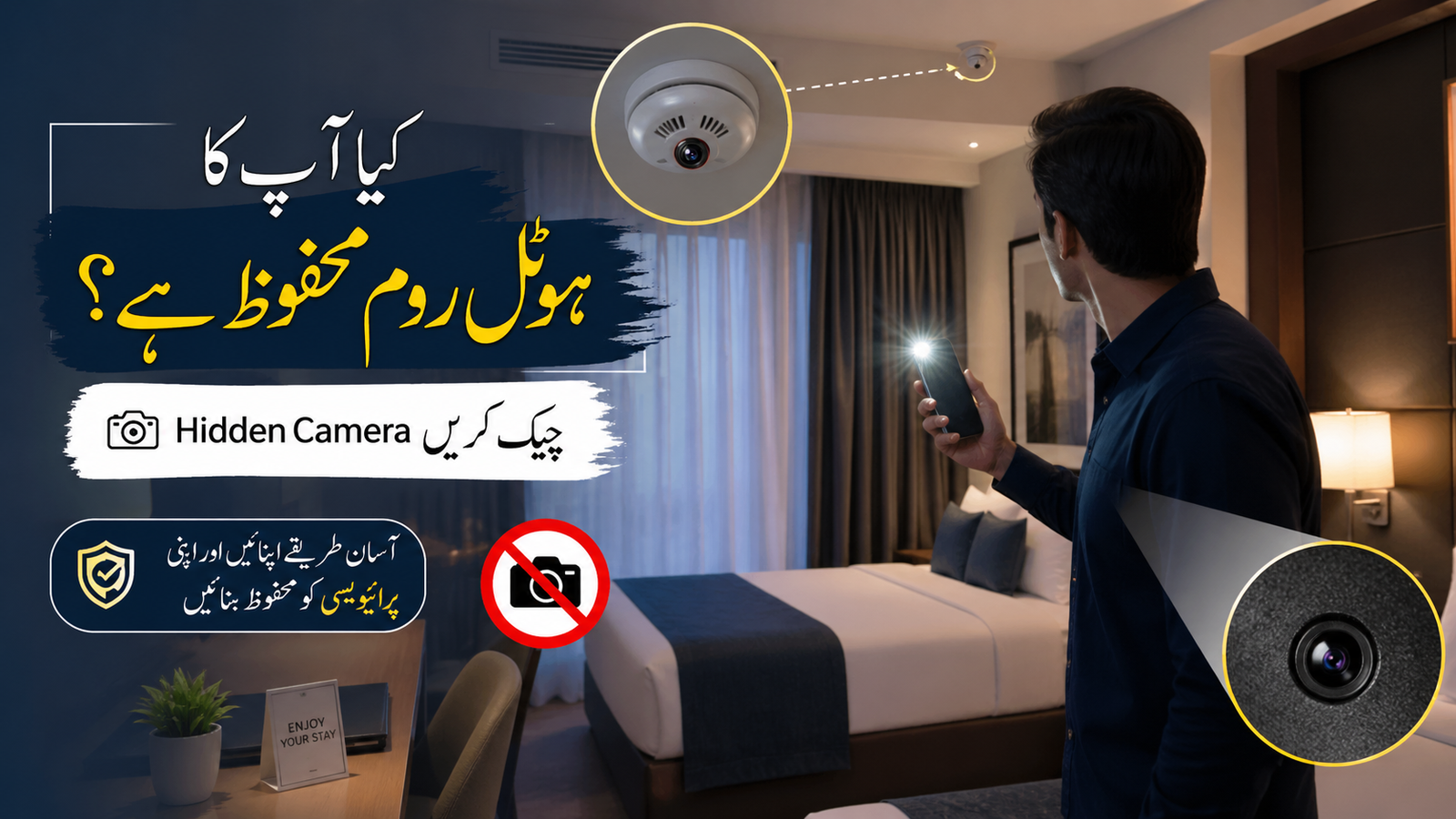
Traveling should feel relaxing and safe, but rising concerns about hidden cameras and privacy have made many travelers more careful. The good news is you don’t need any technical skills—just a few simple checks and mobile apps can help you quickly scan your room and stay protected, giving you peace of mind during your trip.
Read Also: Bike Petrol Subsidy Pakistan 2026 Online Apply Guide & Latest Updates
Why You Should Check for Hidden Cameras
Privacy is a basic right, even when you are traveling. With growing technology, hidden cameras have become smaller and harder to notice. That’s why it is important to follow quick and practical safety checks whenever you enter a hotel room.
This guide explains easy, fast, and effective methods that anyone can use—no technical skills needed.
Simple Methods to Detect Hidden Cameras
1. Perform a Visual Inspection
Start with a careful look around your room. Focus on:
-
Unusual holes or tiny black dots
-
Objects that feel out of place
-
Loose wires or cables leading nowhere
Pro Tip: Turn off the lights and use your phone flashlight. Camera lenses often reflect light, making them easier to spot.
2. Use the Mirror Test
Mirrors can sometimes hide cameras behind them.
-
Place your finger on the mirror
-
If there is a gap, it is a normal mirror
-
If your finger touches directly, it might be a two-way mirror
This method is not perfect, but it adds an extra layer of safety.
3. Check the Wi-Fi Network
Many hidden cameras connect to Wi-Fi networks.
-
Open your phone’s Wi-Fi settings
-
Look at connected devices
-
Watch for unknown or suspicious names
Warning Signs:
Devices labeled with cam, IP, monitor could be suspicious.
Detect Hidden Cameras Using Mobile Apps (2026 Guide)
Modern smartphones make detection easier than ever. Here are some useful app-based methods:
1. Network Scanner Apps
Apps like Fing help scan all devices on the same network.
-
Identify unknown devices
-
Check for camera-related names
This is one of the fastest ways to detect connected devices.
2. Infrared (IR) Detection
Some cameras use infrared light for night recording.
Steps:
-
Turn off the lights
-
Open your phone camera
-
Slowly scan the room
If you see blinking lights or dots, it may indicate a hidden camera.
3. Magnetic Sensor Apps
Hidden cameras contain small metal parts.
-
Use apps that detect magnetic signals
-
Move your phone near objects
If the app shows unusual activity, check that object carefully.
Read Also: Qiwa Video Call Service 2026 Easy Way to Solve Job Issues in Saudi Arabia
Quick Room Check Routine (5-Minute Safety Plan)
| Step | Action | Time |
|---|---|---|
| 1 | Visual inspection | 2 minutes |
| 2 | Flashlight reflection scan | 1 minute |
| 3 | Wi-Fi device check | 1 minute |
| 4 | Camera scan in dark | 1 minute |
In just 5 minutes, you can reduce most privacy risks.
Additional Safety Tips
-
Cover suspicious objects with a towel or cloth
-
Avoid connecting to unknown Wi-Fi networks
-
Always choose trusted hotels with good reviews
-
Report anything suspicious to hotel management immediately
Are Hidden Camera Apps Reliable?
Mobile apps are helpful but not 100% accurate. Think of them as an extra layer of protection. The best approach is to combine:
-
Manual checks
-
Mobile apps
-
Common sense awareness
Final Thoughts
Staying in a hotel should feel safe, not stressful. By using these simple detection methods, you can protect your privacy and peace of mind.
A quick check, smart habits, and basic awareness can make a big difference in keeping you secure during your travels.