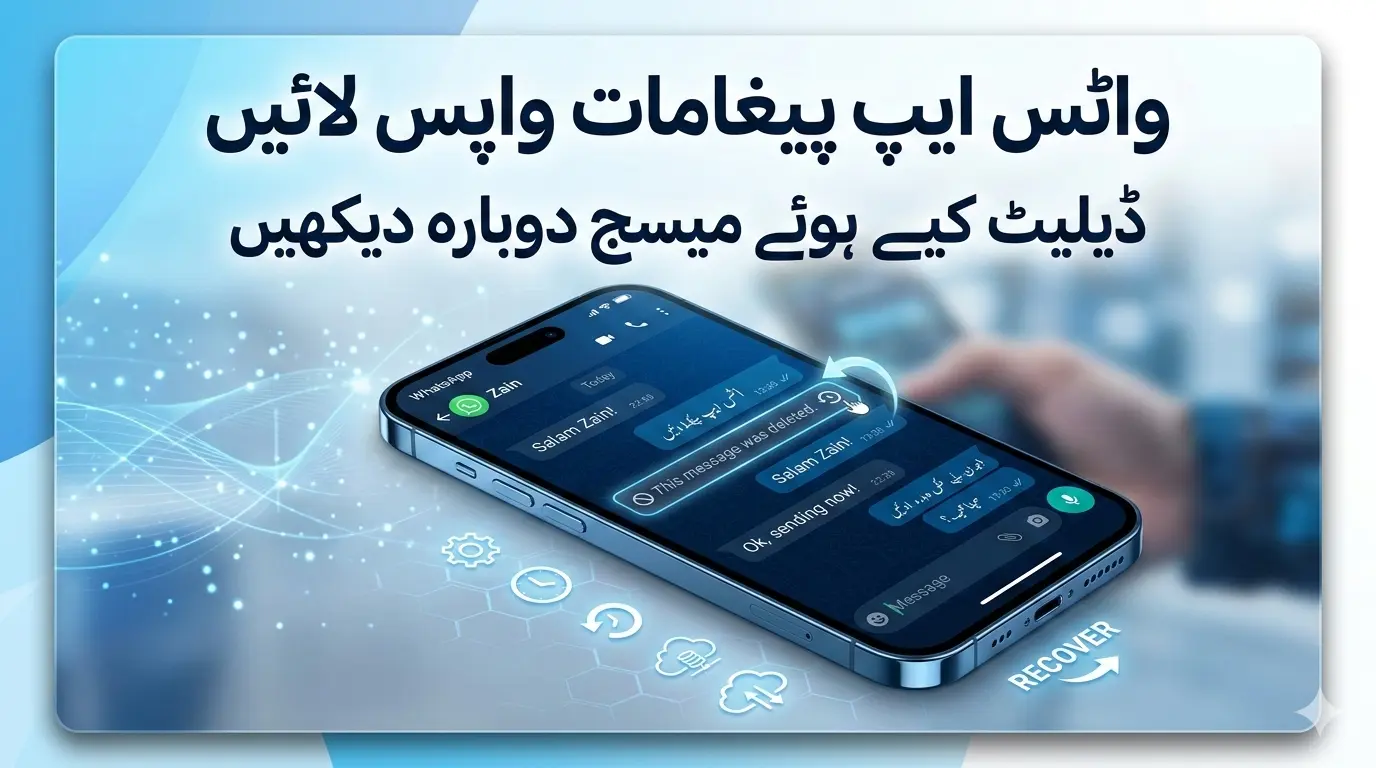
Millions of people use WhatsApp every day to chat with friends, family, and colleagues. Sometimes a person sends a message and quickly deletes it using the “Delete for Everyone” feature. When this happens, the receiver often becomes curious about what the deleted message contained.
This has led many users to search for a WhatsApp deleted messages recovery application that can restore lost messages or show deleted texts. In this guide, we will explain how these apps work, whether they are safe, and the best ways to recover deleted WhatsApp messages in 2026.
What Is a WhatsApp Deleted Messages Recovery Application?
A WhatsApp deleted messages recovery application is a tool designed to help users view or restore messages that were deleted from WhatsApp chats.
These apps usually monitor notifications on your phone and save message previews before they are deleted. If someone deletes a message later, the app still keeps the original text saved in its system. Some advanced tools also attempt to recover deleted media files like photos, videos, and voice notes.
It is important to note that these apps do not hack WhatsApp. They simply store notifications or backups already available on your device.
How Deleted WhatsApp Messages Can Be Recovered
There are several ways to recover deleted WhatsApp messages depending on your device and settings.
1. Notification History (Android)
Many Android phones include a feature called Notification History. When enabled, it stores notifications from apps, including WhatsApp.
If a person sends a message and then deletes it, the message text may still appear in the notification log.
Limitations:
-
Works only if notification history was enabled before deletion
-
Stores data for a limited time
-
Only text messages are saved, not media files
This method is one of the simplest ways to see deleted WhatsApp messages.
2. WhatsApp Backup Recovery
WhatsApp automatically creates backups of your chats on:
-
Google Drive (Android)
-
iCloud (iPhone)
If a message was deleted after the last backup, you can reinstall WhatsApp and restore the backup to recover it.
This method works best when:
-
You have daily or weekly backups enabled
-
The deleted message existed in the backup
3. Third-Party WhatsApp Recovery Apps
Some apps available online claim to recover deleted WhatsApp messages. Popular examples include:
-
WAMR
-
Dr.Fone Data Recovery
-
PhoneRescue
-
UltData
These tools monitor notifications or scan your device storage to find message fragments.
Permissions Required:
-
Notification access
-
Storage access
-
Media scanning
Always download such apps carefully and only from trusted sources to protect your data.
Are WhatsApp Deleted Message Recovery Apps Safe?
Many users ask whether these apps are safe.
The answer is it depends on the application. Some apps are legitimate tools, but others may:
-
Request unnecessary permissions
-
Access personal messages or contacts
-
Contain malware or advertising trackers
It is always important to research an app before installing it because some recovery tools may compromise your privacy or security.
Limitations of Deleted Message Recovery Apps
Even the best recovery apps have limitations. They cannot recover messages in these cases:
-
Notifications were turned off
-
The message arrived before the app was installed
-
The chat was deleted before backup
-
Media files were never downloaded
In most cases, recovery apps can only restore notification text previews, not full chat histories.
Tips to Avoid Losing Important WhatsApp Messages
If you want to avoid losing messages in the future, follow these tips:
Enable Automatic Backups
Set WhatsApp backup to daily to keep your chat history safe.
Turn On Notification History
Android users should enable this feature to track deleted messages.
Avoid Unknown Apps
Install recovery apps only from trusted platforms.
Save Important Messages
Use the Star Message feature in WhatsApp to save important chats.
Do Deleted Messages Stay on the Phone?
In some cases, traces of deleted messages remain temporarily in the device storage or notification system. Digital studies show that messaging apps often leave artifacts that may allow some data recovery.
However, normal users cannot access these artifacts without specialized tools.
Final Thoughts
A WhatsApp deleted messages recovery application can sometimes help you see messages deleted by the sender. These apps usually work by saving notifications or restoring backups.
However, they are not perfect. The best way to protect your WhatsApp chats is to enable backups, manage notifications properly, and use trusted apps.
Always check the reviews, permissions, and privacy policies of any app before installation to keep your personal data safe.