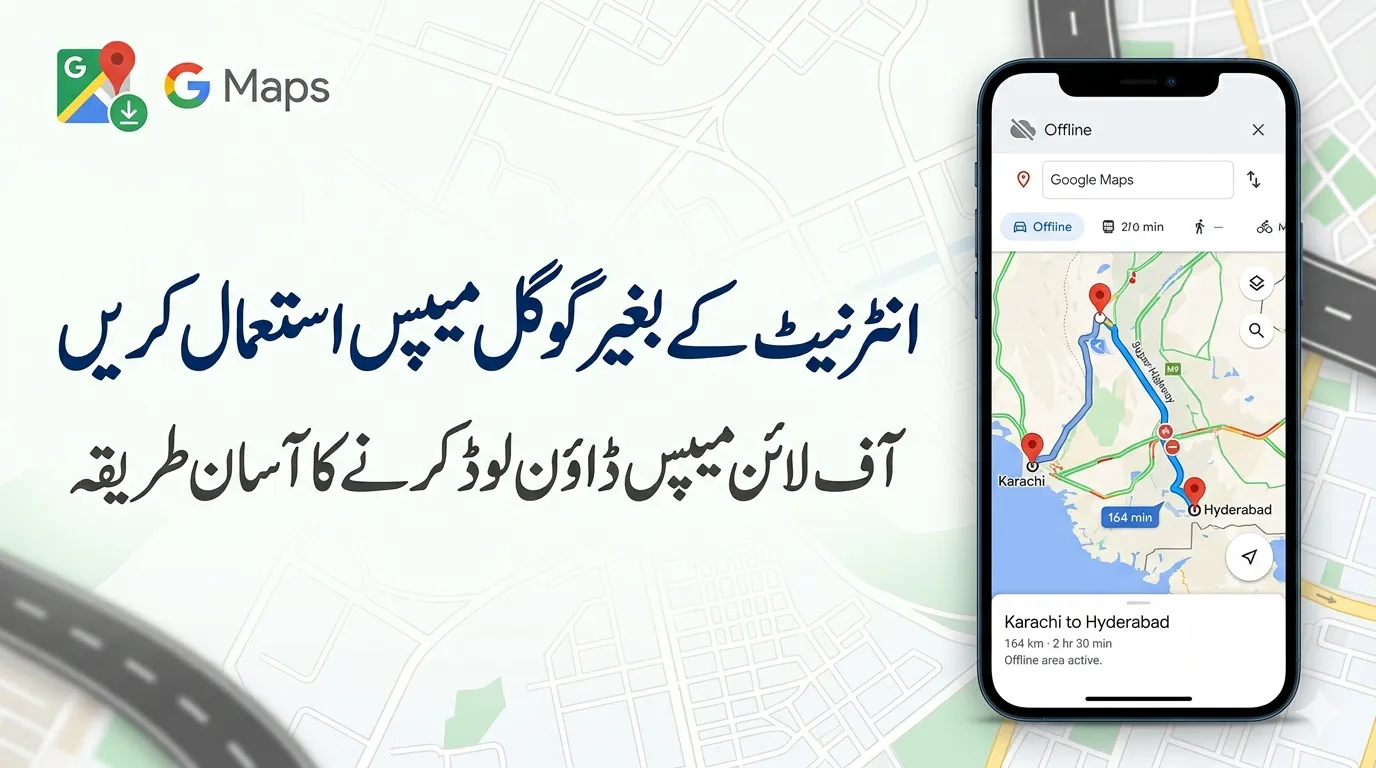
Google Maps is one of the most useful navigation tools today. But what happens when you lose internet access during travel or in areas with weak signals? The good news is that Google Maps allows you to download maps and use them offline.
In this guide, you’ll learn how to download Google Maps for offline use, what features work without internet, and important limitations you should know before relying on offline navigation.
You can find more helpful tech tips and guides on Techleez.
Why Using Google Maps Offline Is Helpful
Offline maps can be extremely useful in many situations:
-
Traveling to areas with poor mobile network coverage
-
Saving mobile data while navigating
-
Avoiding roaming charges during international trips
-
Navigating during emergencies or network outages
By downloading maps ahead of time, you can still find locations and get directions even when your phone is not connected to the internet.
How to Download Google Maps for Offline Use
Follow these simple steps while connected to Wi-Fi or a stable internet connection.
Step 1: Open Google Maps
Launch the Google Maps app on your smartphone.
Step 2: Tap Your Profile Icon
Tap your profile picture located in the top right corner of the screen.
Step 3: Select “Offline Maps”
From the menu, choose Offline Maps.
Step 4: Choose “Select Your Own Map”
Tap Select your own map to choose the area you want to save.
Step 5: Adjust the Map Area
Use your fingers to zoom in or out and move the map to cover the area you need.
Step 6: Tap “Download”
Press the Download button. The map will be saved on your device.
Once the download is complete, you can use that map without an internet connection.
What You Can Do with Google Maps Offline
After downloading the map, several features will continue to work even without data:
-
Get driving directions
-
Use turn-by-turn navigation
-
Search for places within the downloaded area
-
Find roads, landmarks, and businesses
This makes offline maps very helpful for road trips or exploring unfamiliar places.
Limitations of Google Maps Offline Mode
While offline maps are useful, some features will not work without internet.
1. Limited Direction Options
Offline maps support driving directions only.
You will not get directions for:
-
Walking
-
Cycling
-
Public transport
2. No Real-Time Traffic Updates
Without internet, Google Maps cannot provide:
-
Live traffic conditions
-
Road closures
-
Alternate route suggestions
-
Lane guidance
3. Storage Space Required
Downloaded maps use storage space on your device. Google Maps will show how much space is required before downloading.
If your phone has limited storage, you may need to delete old downloads.
4. Maps Expire Automatically
Offline maps expire after about 15 days or less.
Google Maps usually updates them automatically when you reconnect to Wi-Fi, but you may need to refresh them manually if they expire.
Alternative Way to Download an Offline Map
If you want to download a map for a specific city or location, you can also do it this way:
-
Search for the city or place name in Google Maps.
-
Tap the three-dot menu in the corner.
-
Select Download offline map.
This method is useful when planning trips to particular cities.
Tips to Use Offline Maps More Effectively
To get the best experience with offline navigation, consider these tips:
-
Download maps before traveling
-
Use Wi-Fi to avoid large data usage
-
Download larger areas if you plan to drive long distances
-
Update maps regularly to keep them accurate
-
Save important locations like hotels, gas stations, and attractions
These steps ensure you won’t get lost when the internet connection disappears.
When Offline Google Maps Is Most Useful
Offline maps are especially helpful for:
-
Road trips
-
Mountain or rural travel
-
International travel with limited roaming data
-
Areas with unstable network coverage
Many travelers rely on this feature to navigate confidently without internet access.
Final Thoughts
Google Maps offline mode is a simple yet powerful feature that can make navigation much easier when you don’t have internet access. By downloading maps in advance, you can still get driving directions, find places, and navigate unfamiliar areas without worrying about network connectivity.
Just remember that offline maps have some limitations, such as no live traffic updates and support only for driving directions. Keeping your maps updated and downloading them before your trip can help you avoid problems on the road.
For travelers, commuters, and anyone exploring new places, offline Google Maps can be a reliable backup when the internet is unavailable.