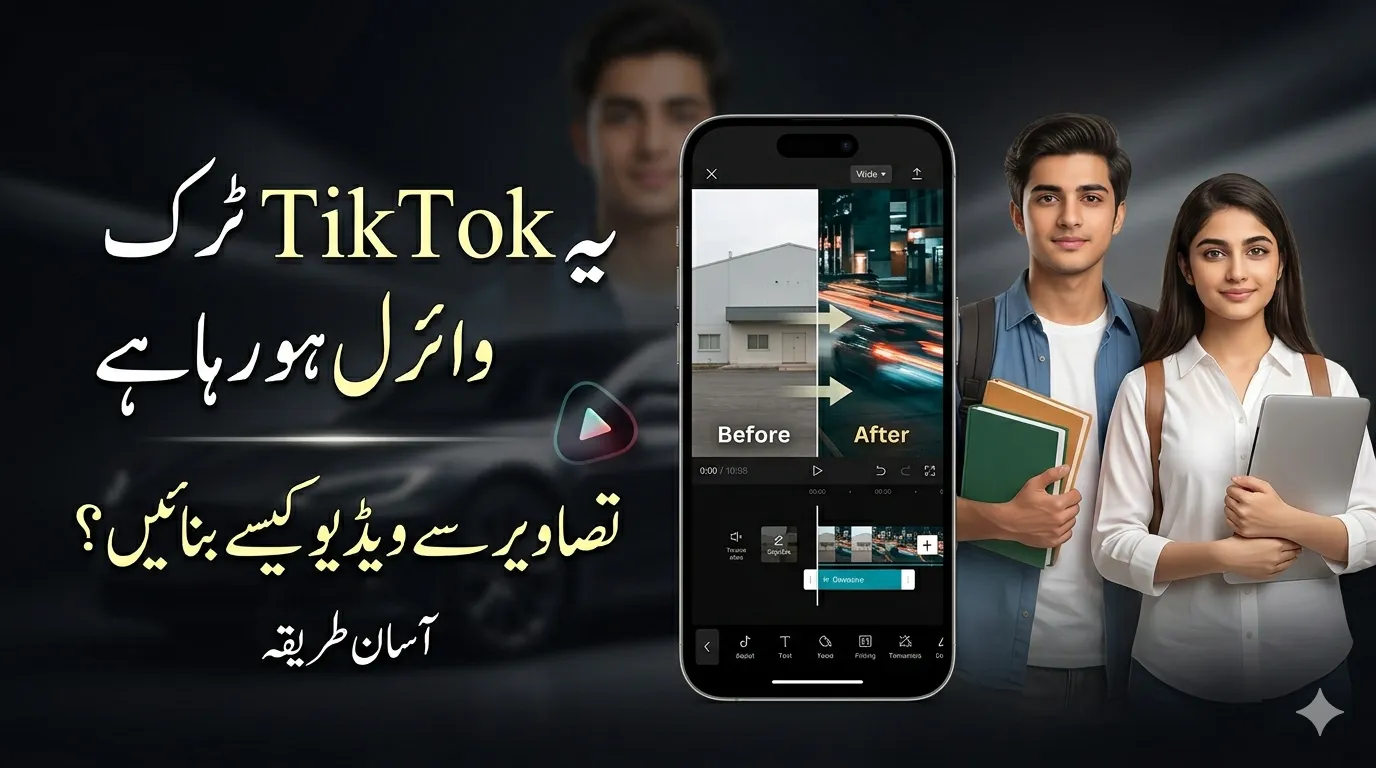
How to Make Car Effect TikTok Videos If you’ve been using TikTok recently, you’ve likely noticed those smooth, cinematic videos where cars (or images) move with dramatic lighting and perfect transitions. This is known as the Car Effect TikTok trend, and it’s quickly becoming one of the most engaging content styles on the platform.
The best part? You don’t need professional editing skills or expensive tools. With a simple process, anyone can create high-quality, scroll-stopping videos using just images.
What Is the Car Effect TikTok Trend?
The Car Effect TikTok style is a creative editing technique where static images are transformed into dynamic, cinematic videos using motion effects, transitions, and synced music.
Although it started with car enthusiasts, this trend is now widely used for:
- Travel content
- Fashion and outfit videos
- Before-and-after transformations
- Product showcases
The goal is simple: make still photos feel like a moving visual story.
Why This Trend Is Going Viral
Visually Engaging Content
Smooth animations and lighting effects instantly grab attention, which is key for TikTok algorithm reach.
Beginner-Friendly Editing
Even beginners can create this effect using mobile apps, without any technical knowledge.
High Engagement Potential
Videos using this style often get more likes, shares, and watch time, increasing chances of going viral.
How to Create Car Effect TikTok Videos from Images
Follow these simple steps to create your own video:
Step 1: Choose High-Quality Images
Start with 3–6 clear and sharp photos. If you’re creating car content, include:
- Front view (main shot)
- Side angle
- Close-up details (lights, interior, wheels)
Tip: Even for other niches, choose images that tell a clear visual story.
Step 2: Use a Video Editing App
You can use beginner-friendly apps like:
- CapCut
- VN Video Editor
- Alight Motion
Import your images and arrange them in order.
Step 3: Add Motion Effects
This step brings your images to life.
Apply:
- Zoom in / Zoom out
- Pan left or right
- Slight rotation
Keep movements slow and smooth for a professional look.
Step 4: Add Smooth Transitions
Transitions are the core of this trend.
Use:
- Fade transitions
- Flash effects
- Blur transitions
- Light leaks
Make sure transitions match the beat of your music.
Step 5: Sync with Music
Music plays a major role in engagement.
- Use a trending TikTok sound
- Align transitions with beats and drops
- Keep timing clean and satisfying
This creates a premium, cinematic feel.
Step 6: Add Effects and Overlays
Enhance your video with:
- Lens flares or light streaks
- Color grading (cool or warm tones)
- Glow or neon effects
These small details make your video stand out.
Step 7: Export and Upload Properly
Before posting:
- Use 1080p resolution
- Keep video length 7–15 seconds
- Add hashtags like:
- #CarEffect
- #TikTokEditing
- #PhotoToVideo
Creative Ideas Beyond Cars
This trend works for almost every niche.
For Content Creators
- Outfit transitions
- Photo dumps
- Personal highlights
For Businesses
- Product showcases
- Portfolio videos
- Before-and-after results
For Travel Creators
- Destination highlights
- Trip summaries
- Scenic shots
Common Mistakes to Avoid
Avoid these to improve quality:
- Overusing effects (keep it clean)
- Using low-quality images
- Poor music syncing
- Making videos too long
SEO Tips to Boost Your TikTok Reach
To increase visibility:
- Use keywords like Car Effect TikTok in captions
- Add trending hashtags
- Write short, engaging descriptions
- Post consistently
Final Thoughts
The Car Effect TikTok trend proves that you don’t need complex tools to create professional-looking videos. With just a few images, the right editing style, and trending audio, you can create content that stands out.
Start simple, test different styles, and keep improving. With consistency, your videos can gain high engagement and viral reach on TikTok.